


































Jaya9 App Fact Sheet
The following is a breakdown of what the proposed Android workflow is and isn’t based on the information provided on the Joya9 reference pages.
| Item | Current assessment |
| Application | Jaya9 / Joya9 mobile service |
| Supported OS | Android is the focus; exact supported versions are unverified. |
| Installer Format | APK, as described in the supplied app brief |
| Availability in Bangladesh | Online gambling and betting are prohibited under the 2026 law. |
| Account | Website credentials are described as shared with the app; verify with support. |
| Interface Language | Exact app language choices unverified |
| Account Currency | BDT is the currency addressed in the supplied brief; actual cashier options are unverified. |
| How Updates Arrive | Verify any current installer or update notice at an authenticated source. |
| Support Channel | Check the operator’s authenticated support contact; the channel is unverified. |
| Browser Alternative | Mobile website, subject to access and legal restrictions |
APK stands for Android Application Package, which is the file type that allows you to install Android applications. If you are using one account, you can access your account from both your computer (via a web browser) and your phone (via an app); however, if you have downloaded a version of the app from a source that has not been verified, it would be best to confirm that your account is syncing correctly before assuming it is. Additionally, searching for terms like “Jaya9 casino app” or “jaya 9 app” does not identify who published the application.
Why Install a Separate App
The ability to maintain an icon on the home screen and/or to maintain an active login state between visits is available through a separate application. Whether this option is convenient for users will depend upon how each individual application has configured its security options (i.e., automatic login, push notifications). At present, we do not know if Jaya9 will support either of these types of notifications. Additionally, there is no guarantee that an application will be as stable as a current web browser when viewing a long-lasting live-stream event.
Day One: Preparing the Phone

First check the operating system, available space, connection type (cellular/Wi-Fi), and where you downloaded it. By doing so, you will be able to determine if the issue is with your device or the file itself. In Bangladesh, the primary concern is the legal limitation. It doesn’t matter if your device has the capability to run the software.
Checking Android Version and Free Space
On many Android devices, you will find “Android Version” by going into “Settings”, then either “About Phone” or “Software Information.” You can typically find your storage options. by selecting “Storage” from within “Settings,” which will show you how much free space you have, as well as the largest files on your device. The names of menus vary depending on whether you are using a Samsung, Xiaomi, Pixel, etc., device.
Choosing a Stable Connection
For downloading software, it’s typically better to use a stable Wi-Fi connection. While you can also use mobile data if your cell service is consistent enough, if you switch connections (i.e., go from a mobile data to a Wi-Fi connection or vice versa) while the download is taking place, the software may be incomplete. Additionally, having a file name end with.apk does not guarantee that the download process was completed successfully.
Day One: Getting the Installer
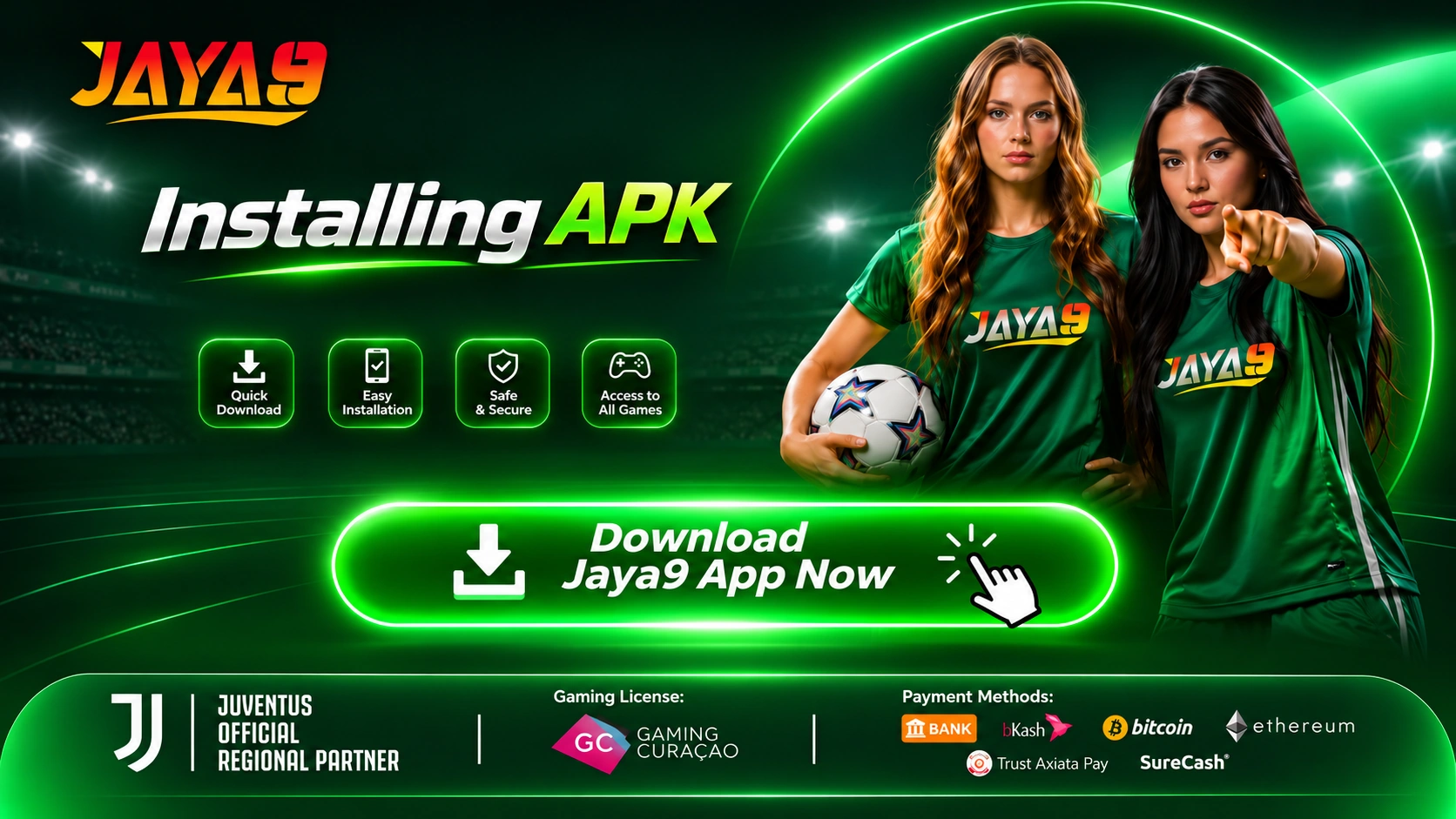
When you download from an unverified source, such as through search engine results that offer “joya 9 apk” or “Jaya9 bet app,” your ability to determine if the download is legitimate is greatly reduced. During my research into this topic, I was unable to verify the credibility of the referenced website. As a result, I am unable to provide a direct recommendation for downloading from that site. Additionally, I am unable to provide a link to the installer for that app, and I am unable to confirm that the app is published by a legitimate company.
Signs of a Trusted Download Page
A page should be checked against several signals before any file is trusted:
- a publisher identity that can be independently corroborated
- a consistent domain and clear information about the current app
- no payment-card request merely to obtain a download
- no chain of unexpected redirects, pop-ups or replacement domains
- a file whose signature or checksum can be checked against a trusted record
Locating the Downloaded File
Most of the time when you finish downloading a file on an Android browser, it will be saved in your “Downloads” directory. You can find this directory by either looking in the notifications bar, or using the “Files” or “My Files” app. Make sure to check the browser’s download status prior to opening the downloaded file.
Day One: Installing and Opening Jaya9
Android installs apps (APKs) through a system-controlled process. Since we cannot verify this specific version or source of the Jaya9 app, the below description reflects how Android would behave when installing an app from outside of Google Play; however, it does not provide step-by-step instructions for installing the Jaya9 app in Bangladesh.
- Open the details of an Android file that has been received from a legitimate publisher.
- Review the requesting application and any system warnings.
- Decide whether that specific source should be allowed to install apps.
- Inspect the app name and requested permissions before confirming.
- Return the original permissions for the source file once a valid installation is complete.
What the Android Warning Means
Android has an option to allow apps to be installed from locations other than the Google Play Store (e.g., browsers, file managers), but it must first ask the user for permission. To control this setting, go into your device’s settings menu, select “Apps”, then select “Special app access,” and finally select “Install unknown apps.” The language will vary depending on your version of Android. When you grant this permission to a source, you are giving the source the right to download and install files on your behalf. However, granting this permission does not guarantee that the APK file being downloaded is safe.
First Screen After Installation
Normally, when a valid mobile app starts up, it loads its user interface and shows either a login page or an introductory screen. Since I don’t know for sure what the initial screen, registration forms, and layout of the buttons in the Jaya9 mobile app looks like, I can’t describe those things with any certainty.
Day One: Signing In or Registering
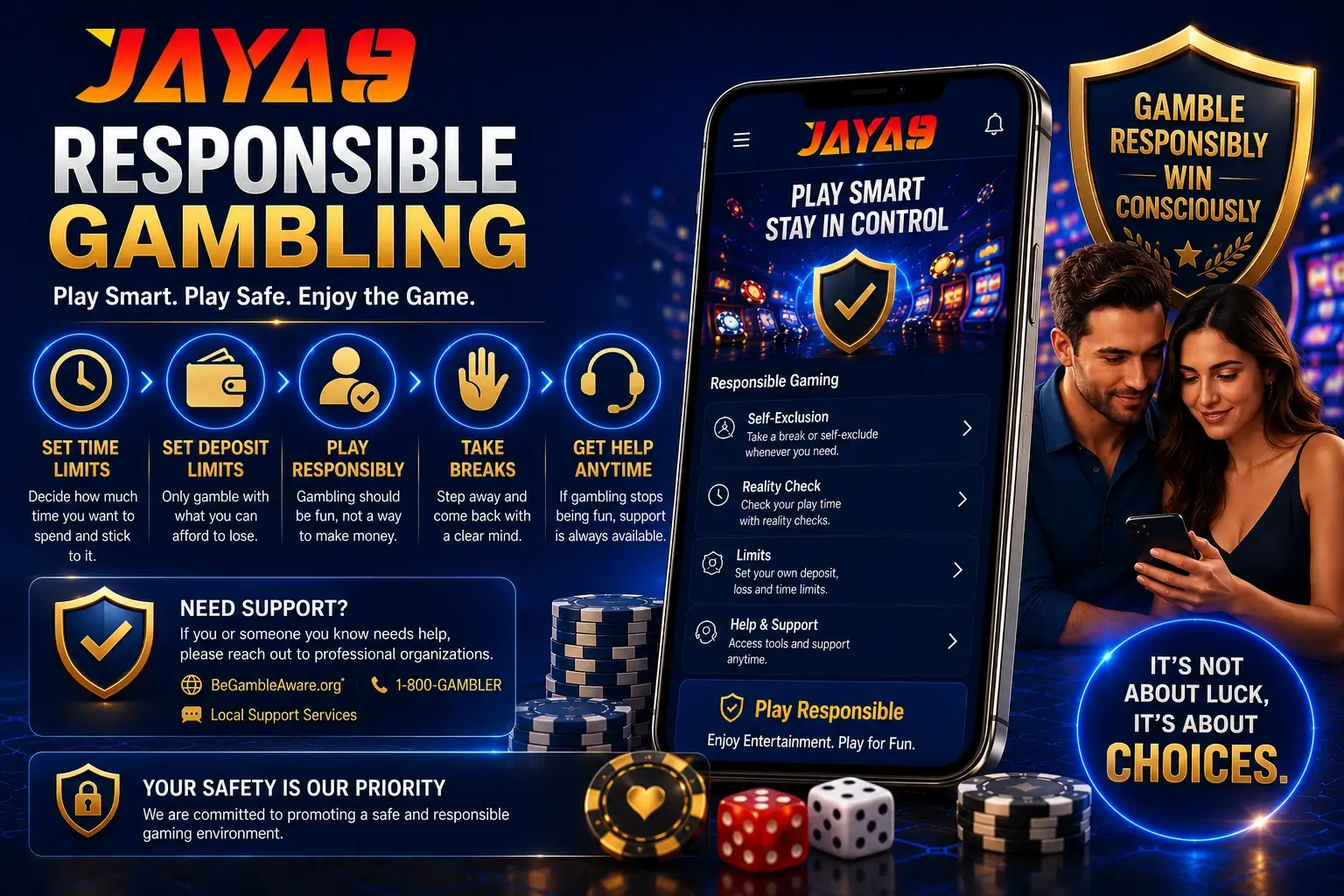
The provided description is based on the idea of app/website account sharing. In most cases, a user that has already used the site or app can use their existing user name/password combination. A first-time user will go through the process of creating a new user account. However, since there is a risk of legal consequences for Bangladesh citizens who open and/or use online gambling sites, the focus of this portion of the guide is to address issues related to protecting user accounts.
Returning Players
The look of a Jaya9 app login/Jaya9 login app screen could differ from the browser version of that same screen. You should never assume that since you use the same username to access both screens, the login screen is safe. Before entering your password into an unfamiliar screen, confirm who published it. Also, don’t use your password on a screen that appears to be the real thing but isn’t.
First-Time Users
Registration forms typically require that you supply your present contact and identity details suitable for the service. At present, it is unknown which Jaya9 fields will be used, nor what types of verification steps may be required. Providing false or someone else’s information will increase the risk of financial loss and compromise your account security.
Regular Use: Casino Games on Your Phone

The user interface of most online casinos will group together its different types of game such as slots, live dealers, and traditional table games. Some providers may even have a search function or recently played games that could potentially enhance the experience for players; however, these features cannot be confirmed to be available on the joya 9 application. To play at a live table, you must have an active internet connection since you are receiving a live stream of the dealer.
Regular Use: Cricket and Football Betting
The interface of a sportsbook will generally categorize cricket and football according to the sport, fixture and market. A market is defined as a description of the event on which a wager is being made. A selection is a description of the result of that event. The bet slip will show the quote for the odds of that event and the intended stake in the appropriate currency. These are examples of sportsbook terminology and do not indicate a recommendation to use the Jaya9 bet application to make a wager.
Checking Bet History in the App
Sportsbooks will typically separate “open” bets from “settled” bets within an “account history” section. “Open” simply states that the outcome is still pending finalization by the sportsbook. “Settled” indicates that a final result was recorded. A finished match doesn’t automatically imply that the corresponding market has been evaluated yet.
Day One: Preparing the Phone

The information provided was about a cashier for BDT, but there was nothing in the description to verify any of Jaya9’s existing options for making payments, maximum deposits, fees, or how long it takes to withdraw money. Bangladesh has a new law being enacted in 2026 that will regulate the transfer of funds related to online gambling. Having a BDT symbol on a payment screen does not confirm that the transaction is legitimate.
| Transaction stage | Deposit concept | Withdrawal concept |
| Initial request | Funding amount and available channel | Requested amount and destination details |
| Identity check | Account ownership may be checked | Ownership or identity review may be required |
| Record to retain | Payment reference and status | Request reference and status |
| If unresolved | Check provider record before contacting support | Check request history before contacting support |
Deposits
Deposit is defined as a transfer that will increase the available balance of an account. The cashier at a typical brick-and-mortar location will show the user how much money they have deposited, the method of depositing it, and a screen for them to confirm their deposit and whether the deposit was successful or not. Before taking additional steps regarding a failed or pending deposit, the user should compare what is showing in their banking application to the actual records provided by the payment provider.
Withdrawals
A withdrawal request is made when you want to move money out of your account to another location that you control. Operators might check your identity or other account information prior to making the transfer. There is no set amount of time it takes for you to receive the funds. At this point in time, we have not been able to confirm if Jaya9 has any established withdrawal schedules.
Keeping the App Healthy
Usually, standard Android maintenance will be sufficient to ensure your most basic applications are working correctly. It makes little sense to continually reinstall a package simply because it contains a sportsbook or live screen. However, with an unverified jaya 9 app, the primary issue is whether an alleged update is from the app’s original publisher.
Useful maintenance habits include:
- Install operating-system security updates through the phone’s normal settings
- Leave some free storage for temporary files and downloads
- Close unnecessary apps when video playback becomes unresponsive
- Avoid modified APKs, unofficial patches, and files circulated in chat groups
Recognising an Outdated Version
There are some indicators that can tell us when an application has become outdated. Some of these signs include prompts for updates, applications failing to start over and over again, and some of the same features that were available on the web site being used differently. These signs do not necessarily mean that the application is outdated, as there are other causes that could appear similar such as service outages or network filters.
Clearing Space and Cache
The Android settings, apps menu typically has a “Storage” or “Storage & Cache” option for each of your apps. Clearing the cache will remove temporary files from your device and could improve the speed of how quickly your app loads. On the other hand, clearing the storage/app data for an app will delete all of the settings that have been stored on your device and may require you to log back into the app.
Known Problems and Quick Fixes
The above table lists device-level tests that may be performed to determine if there are issues with Jaya9 bonuses or other parts of the service in Bangladesh. However, performing these tests will not confirm whether or not the service is currently being operated legally within Bangladesh.
| Symptom | Possible cause | Check | Practical response |
| Package will not open | Incomplete or corrupted file | Download status and signature | Delete the suspect file |
| Live video stalls | Unstable network or low free memory | Connection and running apps | Test ordinary video playback |
| App login fails, website works | Old saved credentials or outdated build | Saved password and publisher identity | Stop using the unverified app and secure the account |
Installation Interrupted
When an installation is stopped, it can be due to a broken package, not enough space on your device, a problem with the operating system you are using (or its compatibility), or a restriction in where you got the app. These errors are caused by different things. When you get a message saying that the app cannot be authenticated, you should remove the app from your device instead of lowering the security level of your phone so that the app will install anyway.
Live Cricket Stream Lags
Video delays may occur due to poor signal quality, switching from Wi-Fi to cellular data, too many open applications in memory, or using an out-of-date version of the application. First, compare your experience of watching a regular video on the same internet connection as the delayed video. Next, turn off any other apps running in the background and verify that there is enough free space available in your device’s memory.
Login Rejected in the App Only
An app-only rejection may indicate that you are using stale credentials, your client device does not support the app, or you have accessed a fraudulent login page. To verify whether the app is legitimate, compare the details of your official account on its website with those of the app. Do not enter your password into any unverified app. Each attempt to access an app through an unknown APK increases your risk of falling victim to phishing scams.
When to Use the Mobile Website Instead
A browser avoids having to install a different APK and may be good enough for occasional visits to the site if there’s little space on your device or if your device doesn’t support running a specific client. In addition, using a browser can make it simpler to check the URL of the page you are viewing; however, even if a page appears similar to what you would expect from the legitimate version of the site, this does not guarantee its authenticity.
| Consideration | Separate Android app | Mobile website |
| Local installation | Requires an installer | No separate APK |
| Storage | Uses app storage and cache | Uses browser storage |
| Updates | The app version may need replacement. | Pages normally update server-side. |
| Login | May retain an app session | Depends on browser cookies and settings |
| Bangladesh law | Gambling prohibition still applies. | Gambling prohibition still applies. |